Mathematics Technologies
Instructional Technology Associates Suggested Technologies for Use in Mathematics
Because Instructional Technology Associates believes in the use of technology to encourage students and teachers to see mathematics as a useful life tool, we are providing this list of suggested technologies for use in the ITA high school mathematics courses.
Because the lessons are legacy lessons, the technology mentioned is dated and needs to be upgraded. The purpose of this list is to tell you what the current versions of the technology are so that ordering them is much easier.
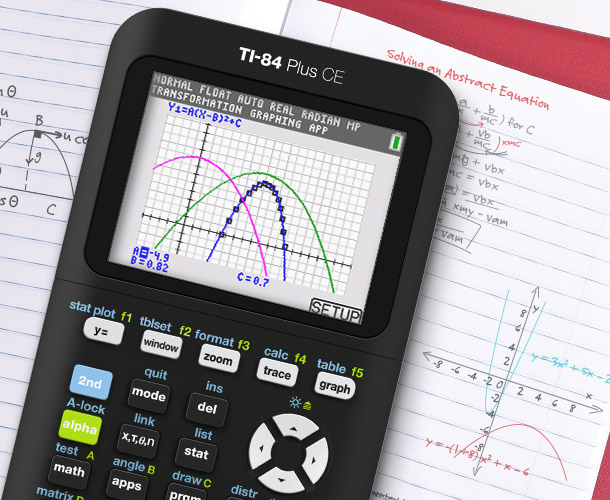
Calculator:
TI-84 Plus
TI-84 Plus CE.
For pricing and ordering options, visit Texas Instruments' resources page.
This calculator is useful for data analysis if your students do not have computers with data analysis software. The calculator has regression capabilities to determine the “best fit” function for a variety of data sets.
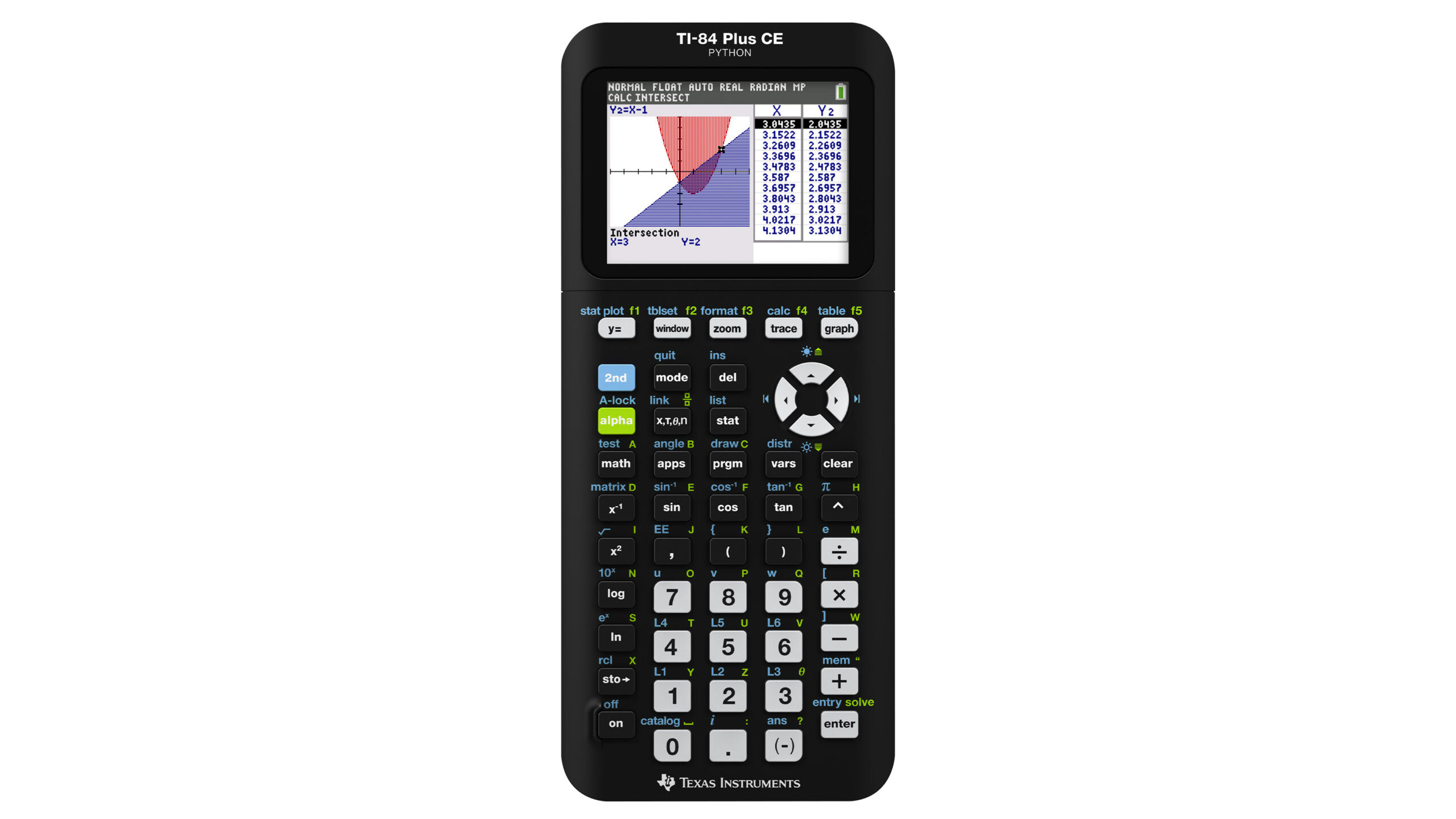
Calculator:
TI-84 Plus
TI-84 Plus CE.
Choose an option:
Single Handheld or Teacher Pack
For pricing and ordering options, visit Vernier Science Education.
This calculator is useful for data analysis if your students do not have computers with data analysis software. The calculator has regression capabilities to determine the “best fit” function for a variety of data sets. By using appropriate attachments from Vernier Software and Technology the calculator will serve as a real-time data collection interface that can use about 65 probes and sensors for experiments in math and science.
Video Analysis Software:
Instructional Technology Associates recommends two Video analysis products.
For Purchase: Vernier Video Analysis
This product is available from Vernier Science Education. For pricing and ordering options, visit Vernier Science Education.
For Free: ImageJ This product is available on the web and has numerous variations.
Vernier Video Analysis®
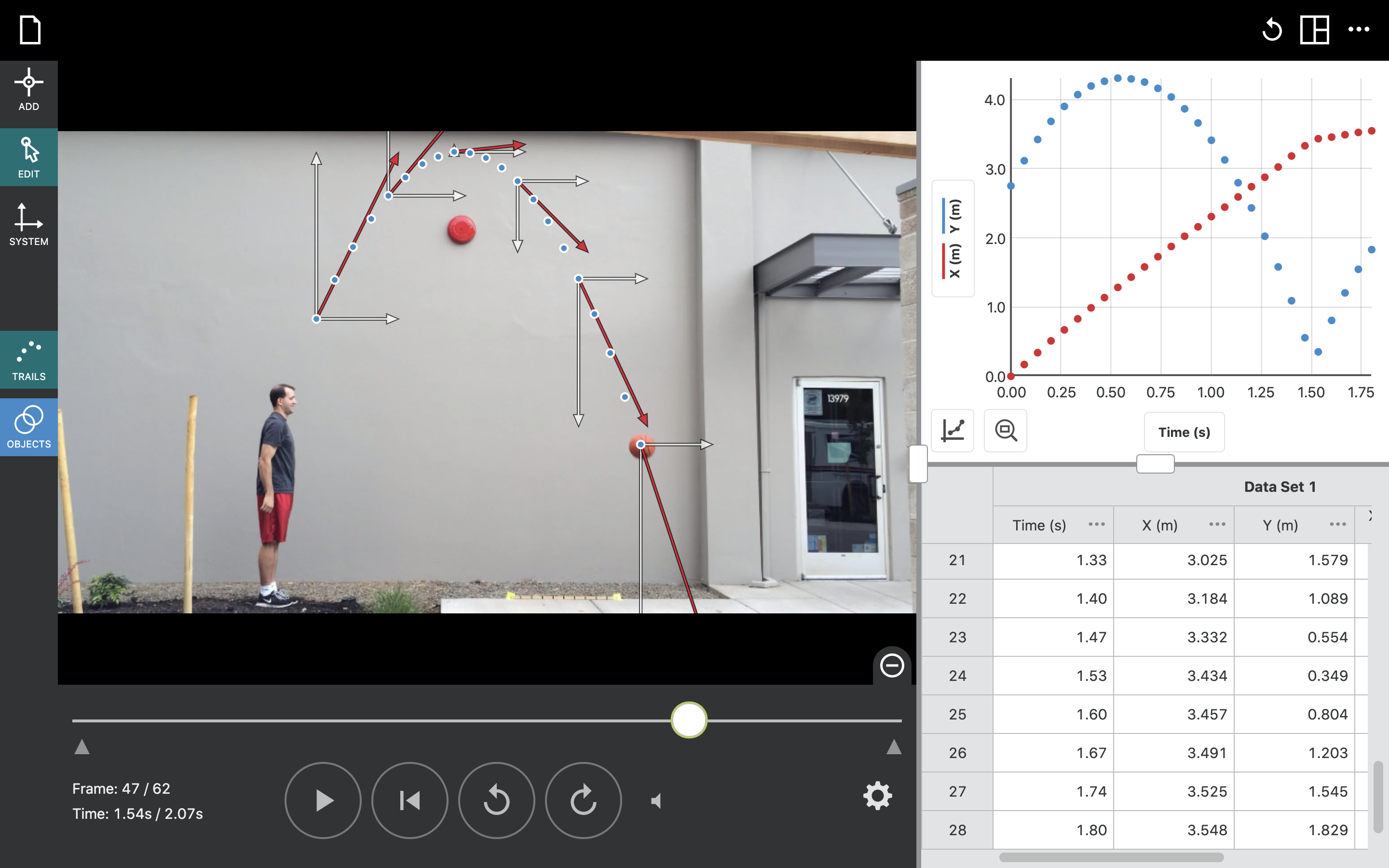
The Vernier Video Analysis® app brings video analysis to your students in a dedicated and streamlined application. Students can use their mobile devices in the laboratory or out in the field to insert a video with recorded motion, mark points to track the object in motion, and set the scale of the video. This app brings video analysis to all your students regardless of device—even Chromebooks!
For pricing and ordering options, visit Vernier Science Education.
Features and Benefits:
- Vernier Video Analysis® app is compatible with multiple devices and platforms: macOS®, iPadOS™, iOS, Windows® 10, Chrome OS™, and Android™.
- Students can use prepared videos, found videos, or collect their own videos for analysis.
- Vernier Video Analysis makes it possible to do experiments that cannot be done with sensors, such as following a basketball in flight.
- Analysis is rapid and easily repeated, so students can immediately analyze and think critically about the collected data.
- You do not need to purchase other multi-featured apps just to do video analysis—our dedicated app streamlines the work to save time with better results.
- Site licenses makes purchasing and renewing quick and easy.
Site Licenses:
For pricing and ordering options, visit Vernier Science Education.
District Licenses:
Vernier offers K–12 district licenses (minimum 5 schools). Get pricing for your district by requesting a quote.
The second option is called ImageJ and is public domain software. The following is copied from: https://imagej.net/software/imagej/
ImageJ is public domain software for processing and analyzing scientific images, with many derivatives and variants, including ImageJ2, Fiji, and others.
The original ImageJ has been under continuous development since 1997. It has always been, and continues to be, a project of Wayne Rasband, with the help of many contributors. It was initially developed in 1997 as a cross-platform version of NIH Image. ImageJ grew organically over time as Wayne Rasband continued to add features according to user requests. Now there are many hundreds, probably thousands, of plugins written by members of a diverse community.
This wiki refers to the original version of ImageJ as the original ImageJ or ImageJ 1.x in places where it is important to distinguish it from other flavors of ImageJ. You may also sometimes see it called “plain ImageJ” or “ImageJ1” or “IJ1” by the community, but these are only shorthands.
The other main flavor of ImageJ, a redesign started in 2010, is known as ImageJ2, to differentiate it from the original ImageJ. The Fiji distribution of ImageJ bundles both ImageJ 1.x and ImageJ2, including ImageJ2’s backwards compatibility layer to transparently convert between ImageJ 1.x and ImageJ2 data structures as needed.
For more information, The ImageJ website: https://imagej.nih.gov/ij/
Much of the video analysis in the SATEC lessons requiring this was done with the original software called NIH Image.
Probes and Sensors:
We suggest that in the math classroom, you use the same standard in purchasing these devices as is used in the science classroom. The minimum is one sensor/probe for every four students. Experience teaches us that in such groups, one student is usually not engaged. We suggested one device for every three students with the optimal arrangement being one for every two students.
Please check with your science department. It is possible that they have a significant number of these devices or an older but still serviceable version. It is definitely in the interest of school budget economy to share in the use of equipment already available.
| SKU# | Product/Description |
|---|---|
| GDX-MD | Go Direct® Motion Detector |
| GDX-FOR | Go Direct® Force and Acceleration Sensor |
| GDX-TMP | Go Direct® Temperature Probe |
| GDX-PH | Go Direct® pH Sensor |
| GDX-GP | Go Direct® Gas Pressure Sensor |
| GDX-CON | Go Direct® Conductivity Probe |
| GDX-VPG | Go Direct® Photogate |
| GDX-VOLT | Go Direct® Voltage Probe |
| GDX-LC | Go Direct® Light and Color Sensor |
| GDX-3MG | Go Direct® 3-Axis Magnetic Field Sensor |
| GDX-SND | Go Direct® Sound Sensor |
| GDX-RMS | Go Direct® Rotary Motion Sensor |
| Let your imagination take over. Any functions you teach in your high school math courses have real world data that can be modeled. There are other probes and sensors that are available. Look at https://www.vernier.com/product-category/?category=sensors |
| SKU# | Product/Description |
|---|---|
| GDX-MD | Go Direct® Motion Detector |
| GDX-FOR | Go Direct® Force and Acceleration Sensor |
| GDX-TMP | Go Direct® Temperature Probe |
| GDX-PH | Go Direct® pH Sensor |
| GDX-GP | Go Direct® Gas Pressure Sensor |
| GDX-CON | Go Direct® Conductivity Probe |
| GDX-VPG | Go Direct® Photogate |
| GDX-VOLT | Go Direct® Voltage Probe |
| GDX-LC | Go Direct® Light and Color Sensor |
| GDX-3MG | Go Direct® 3-Axis Magnetic Field Sensor |
| GDX-SND | Go Direct® Sound Sensor |
| GDX-RMS | Go Direct® Rotary Motion Sensor |
| DTS-CART-MEC | Motion Encoder Cart |
| DTS-CART-P | DTS Plunger Cart |
| DTS-CART-S | DTS Standard Cart |
| DTS-CFAN | Cart Fan + Mounting Plate |
| DTS-CFAN-BASE | Cart Fan Mounting Plate (No Fan) |
| DTS-CFAN-BAT | CART FAN BATTERY |
| DTS-CFAN-FAN | Cart Fan (No Mounting Plate) |
| DTS-EC | Dynamics System W/Encoder |
| DTS-EC_LONG | Dynamics System Long W/Encoder |
| DTS-FLAG | Motion Detector Reflector Flag |
| DTS-GDX | Go Direct Dynamics System |
| DTS-GDX-LONG | Go Direct Dynamics System Long |
| DTS-LONG | Dynamics System Long |
| DTS-MASS | MASS DTS – 4 PK |
| DTS-MDB | Motion Detector Bracket |
| DTS-MEC | Motion Encoder Cart & Receiver |
| DTS-MEU | Motion Encoder Cart Upgrade Kit |
| ECHEM-MTLS | Electrochemistry Metals Kit |
| ECHEM-PLT | Electrochemistry HALF-CELL Plate |
| ELB-FOR-E | Investigating Force |
| Let your imagination take over. Any functions you teach in your high school math courses have real world data that can be modeled. There are other probes and sensors that are available. Look at https://www.vernier.com/product-category/?category=sensors |